 Productivity
Microsoft Excel Essentials with Copilot for Beginner
Master Excel fundamentals plus AI-powered Copilot features for modern workplace productivity and data analysis.
Enroll — up to 80% off
Most teams use Copilot for drafting and summarizing, then stop. This workshop takes your team from everyday Copilot use to building agents in Copilot Studio that connect to your actual workflows — grounded in the same delivery RPATech runs for Microsoft.
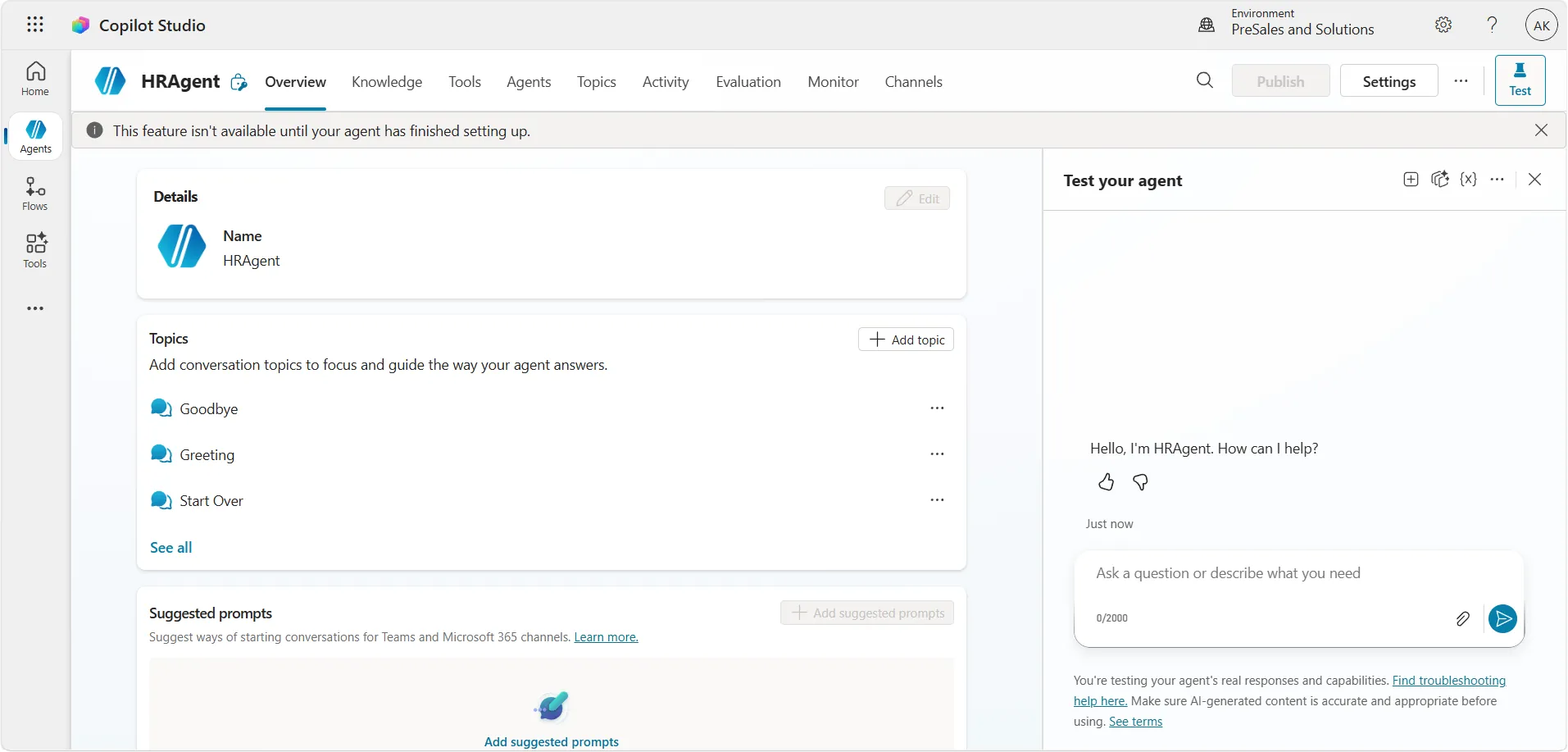
Your organization already pays for the Microsoft stack. The gap between "Copilot licenses deployed" and "agents doing real work" is a skills gap, and this workshop closes it — participants build a working agent during the session, connected to Microsoft 365 and Power Platform data, with enterprise governance covered from the start.
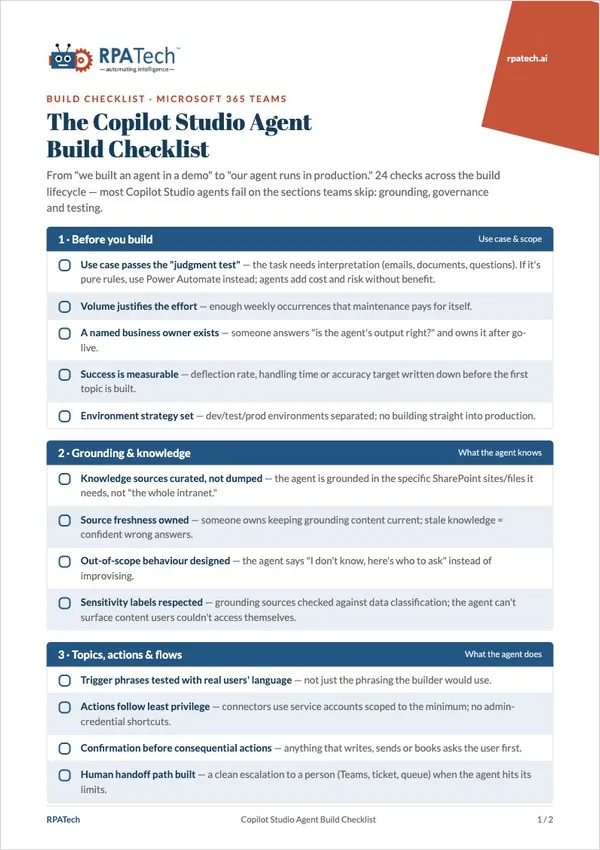
Download the free Copilot Studio Agent Build Checklist first
Every check your Copilot Studio agent must pass before rollout — grounding, security, testing and governance.
Get the free PDF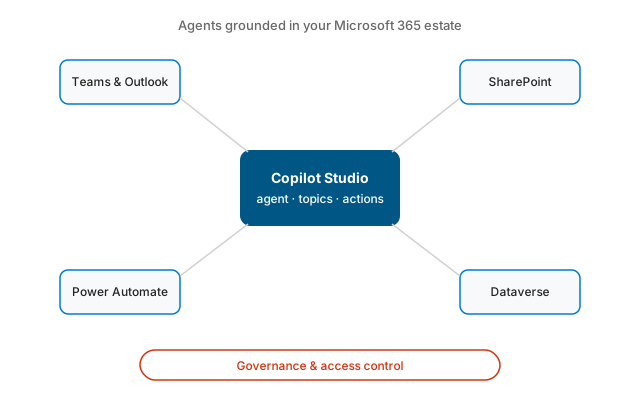
RPATech delivers Copilot in a Day for Microsoft, and pairs that with independent multi-model training experience across Copilot, ChatGPT and Claude — breadth most single-vendor trainers can't offer.
This program is part of the Builder Track — hands-on programs that take automation developers from bots to agents.
Explore the Builder TrackSelf-paced Udemy courses from the same team, discounted for RPATech visitors — useful before or alongside this program.
Productivity
Master Excel fundamentals plus AI-powered Copilot features for modern workplace productivity and data analysis.
Enroll — up to 80% off AI & GenAI
Delegate real work to Claude AI: run multi-step Cowork tasks across Excel, PowerPoint and Outlook. No coding needed.
Enroll — up to 80% off No-Code
Build professional mobile and web applications without writing code. Create custom business apps using Google AppSheet.
Enroll — up to 80% offNeed to convince your CFO? Download the free Business Case Template for AI Training